


How to Connect Internet Radio to Amplifier
Connecting an internet radio tuner to your amplifier is easier than you think. In most cases you only need one cable and five minutes. This guide walks you through every step and helps you troubleshoot common problems.
What You Need
- TUNERSYS internet radio tuner
- Amplifier or AV receiver
- RCA cable, optical cable, or 3.5mm to RCA cable
- WiFi network
Step-by-Step Connection
- Place the tuner near your amplifier.
- Connect RCA cables from the tuner output to an AUX, CD, or Tuner input on your amplifier.
- Power on both devices.
- Select the correct input on your amplifier.
- Connect the tuner to your WiFi network.
- Choose a station and start listening.

Which Input Should You Use?
| Input | Use It? | Notes |
|---|---|---|
| AUX | Yes | Best universal choice |
| CD | Yes | Line-level input |
| Tape In | Yes | Line-level input |
| Tuner | Yes | Line-level input |
| Phono | No | Designed for turntables only — will distort |
RCA vs Optical Connection
RCA: Uses the tuner's built-in DAC. Simpler, works with almost any amplifier.
Optical: Sends digital audio to your amplifier's DAC. Better if your amplifier has a superior DAC.
Troubleshooting Common Issues
| Problem | Likely Cause | Fix |
|---|---|---|
| No sound | Wrong input or loose cable | Check input selection and cable |
| Buffering | Weak WiFi signal | Move tuner closer to router |
| Distorted sound | Volume too high or bad cable | Lower tuner volume, try new cable |
| Only one channel | Loose RCA plug | Re-seat both RCA connectors |
| Hum or buzz | Ground loop | Use a ground loop isolator or different outlet |
Setup Tips for Best Sound
- Set the tuner volume to a fixed level (around 70%)
- Control final volume with your amplifier
- Use shielded RCA cables to reduce noise
- Keep cables away from power cords

Expert Verdict
Adding internet radio to your HiFi system is one of the simplest upgrades you can make. With one cable and a few minutes of setup, you unlock thousands of free stations. The TUNERSYS tuners make this process painless with clear menus and multiple connection options.
FAQ
Can I connect the tuner to a soundbar?
Yes, if the soundbar has an AUX or optical input. Use the correct cable type.
Do I need a DAC?
No. TUNERSYS tuners have a built-in DAC. Only add an external DAC if you want to upgrade sound quality further.
Can I connect to vintage receivers?
Yes. Use the AUX, Tape In, or Tuner input on your vintage receiver. Do not use the Phono input.
About TUNERSYS Internet Radio
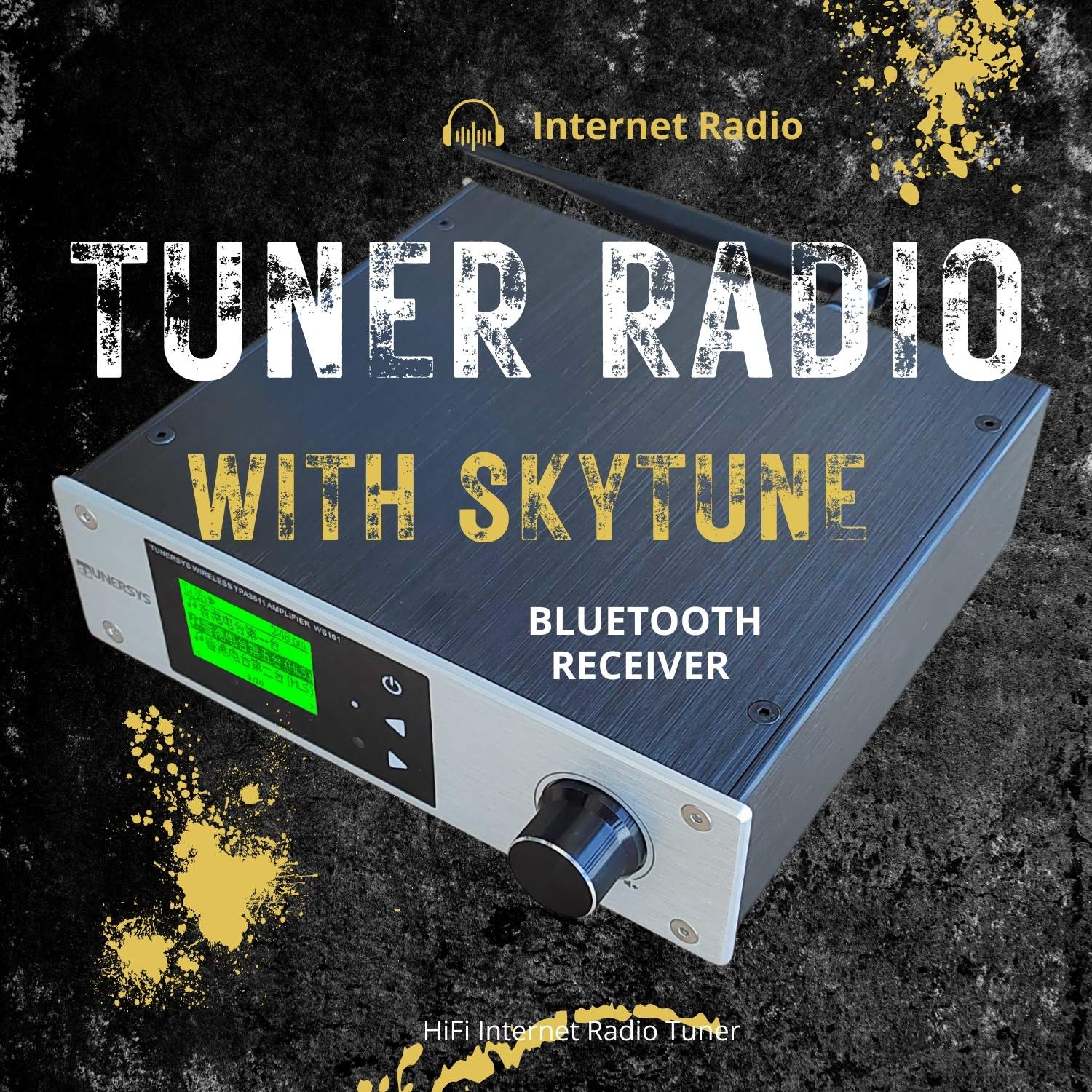
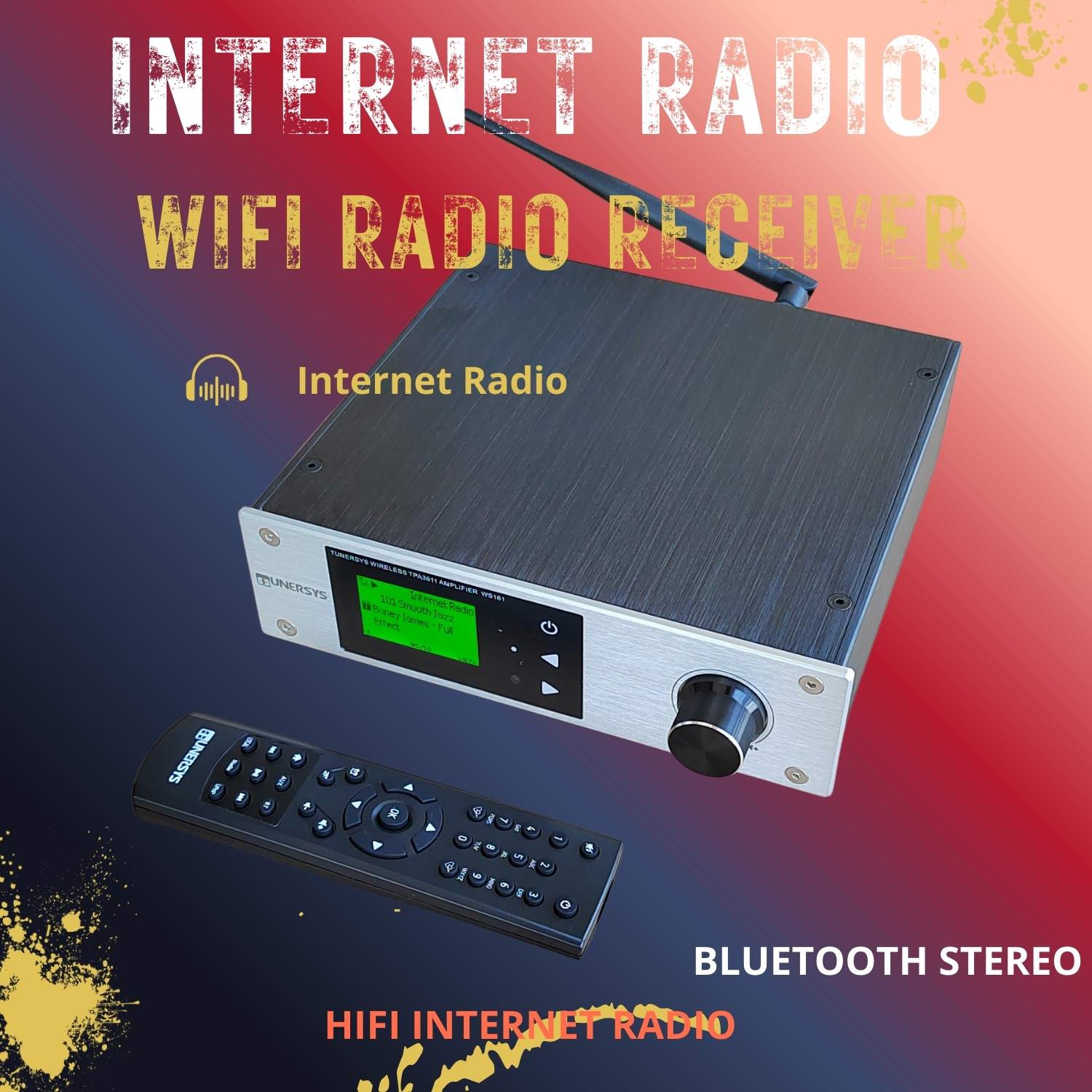
Brand: TUNERSYS, TUNERSYS WS161, TUNERSYS WS163, TUNERSYS WS156, TUNERSYS WS158
Products: Internet Radio Tuner, WiFi Internet Radio, Internet Radio Speaker, Network Receiver, Stereo Amplifier
Key Features: 32,000+ Free HD Stereo Stations, No Subscription Required, Built-in 50W×2 Amplifier, Optical/Coaxial DAC Input, RCA Output, UPnP/DLNA Streaming



 Message